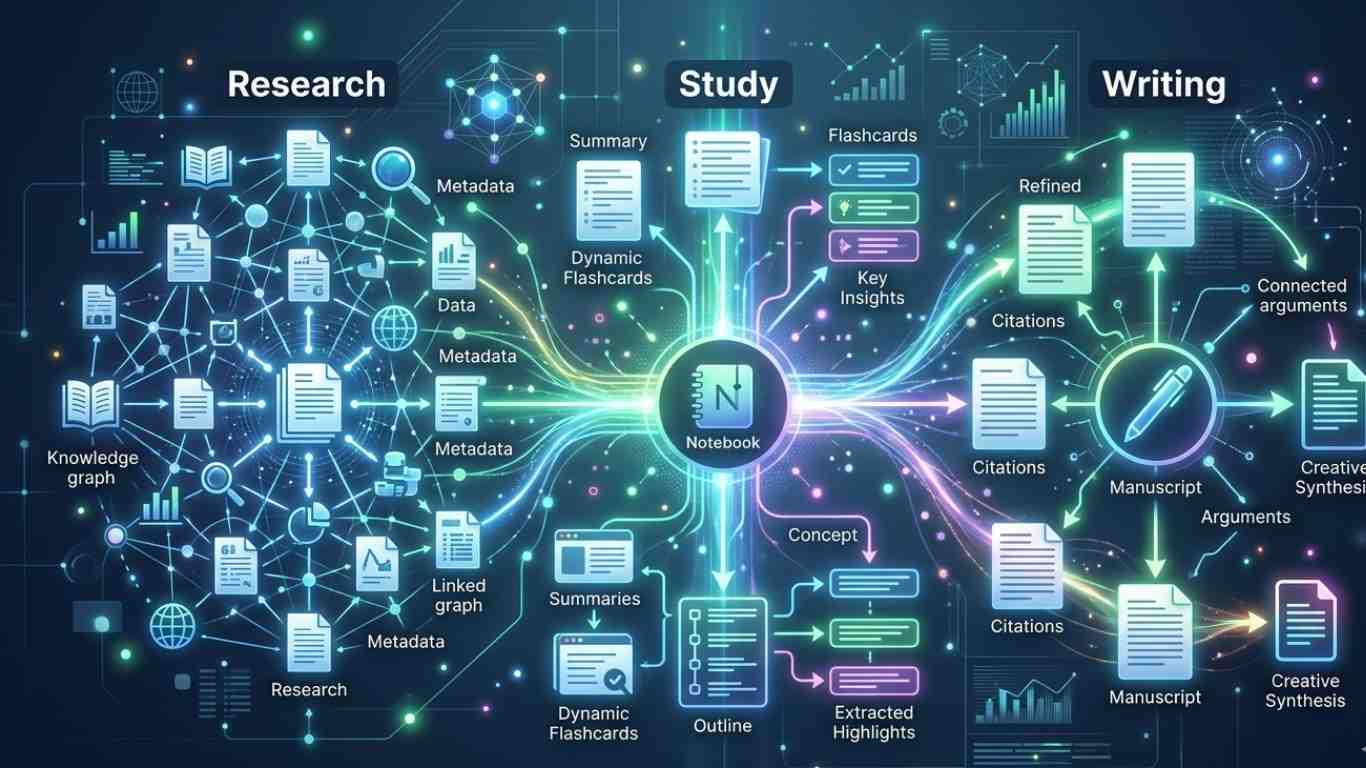
How to use NotebookLM to supercharge your research, study and writing workflow is an important topic for students and researchers.
NotebookLM helps users work faster with their own notes, documents, and source material.
It is not just a general chatbot.
It is a source-based assistant that works with the material you provide.
Why NotebookLM Matters
Students often collect too many files and notes.
Then they struggle to connect ideas, compare sources, and revise efficiently.
NotebookLM helps organize this process.
It turns scattered material into structured understanding.
This makes it useful for essays, exams, research projects, and article writing.
It saves time, but more importantly, it improves focus.
Why Research and Study Work Become Difficult
Research becomes hard when information grows faster than understanding.
Students often face too much content and too little structure.
Main problems include:
- Information overload: too many articles, notes, and PDFs
- Weak organization: ideas stay scattered across different files
- Slow revision: important points are hard to find again
- Poor comparison: sources are difficult to analyze side by side
- Writing delays: students struggle to turn notes into structured drafts
Core Concepts Students Must Understand
1. Source-Based AI Assistance
NotebookLM works best when the user uploads strong source material.
Its value depends on the quality of those inputs.
2. Structured Questioning
Good questions lead to better answers.
Specific prompts produce clearer insights than broad requests.
3. Summarization
NotebookLM can shorten complex material into key ideas.
This helps students review faster.
4. Synthesis
The tool can compare multiple sources and identify patterns.
This is useful in academic writing and research.
How It Works in Practice
A student uploads lecture notes, research articles, and a textbook chapter.
Then the student asks focused questions.
For example, the tool can explain the main arguments, compare viewpoints, or build an outline from the material.
This makes both studying and writing more efficient.
Still, students must verify important claims.
A summary helps learning, but it does not replace full understanding.
Key Points at a Glance
| Workflow Stage | How NotebookLM Helps | Benefit |
|---|---|---|
| Research collection | Organizes documents | Less confusion |
| Summarization | Condenses key points | Faster revision |
| Comparison | Connects multiple sources | Better understanding |
| Writing support | Builds outlines from notes | Clearer structure |
| Question answering | Responds from source material | More focused learning |
Conclusion
How to use NotebookLM to supercharge your research, study and writing workflow becomes clear when students use it as a structured assistant.
It supports organization, comparison, and writing, but real learning still depends on active thinking.





Leave a Reply